
USB Flash Sanitization: Formatting and Coverage Limits
Short answer
Reformatting a USB flash drive prepares a filesystem; it does not by itself establish that all previous sensitive data has been sanitized. A quick format, a full-volume overwrite and a device-specific sanitize operation make different claims about different storage regions.
Before releasing a USB stick, identify the actual device, the required sanitization method and a supported operation whose coverage you can substantiate. If the device provides no adequately assured technique for the required outcome, hold it for a suitable alternative disposition instead of treating an empty directory as success.
Who this is for
ITAD technicians, help desks and security teams handling owner-authorized USB flash drives. This guide concerns thumb drives with embedded flash controllers. An external SATA or NVMe drive behind a USB bridge is a different implementation; its native command path needs separate qualification.
The Windows parameter example applies to the documented format command on Windows 10/11 and the listed contemporary Windows Server versions. It explains behavior, not a recommended erase recipe. No universal manufacturer command is assumed.
When to use this
Use it when a return, reuse or disposal ticket says “formatted,” when a batch contains mixed USB models, or when a generic SSD tool detects a stick but does not establish erase support.
When not to use this
Do not run destructive steps before identity, ownership and preservation decisions are settled. Stop when the device repeatedly disconnects, reports write errors, presents an unexpected capacity or cannot complete the approved operation. Those conditions require an exception record, not a different filesystem to hide the symptom.
If sanitization cannot be substantiated for the required release, keep custody controlled until the responsible reviewer approves another method or disposition.
Workflow
1. Identify the storage, not just the drive letter
Record the asset, complete model, available firmware information, exposed capacity and attachment. Reconcile physical labeling with electronic discovery. Where electronic serials are absent or unreliable, preserve that limitation and use the organization's physical asset-control process.
Separate a filesystem volume from the whole device. A stick may contain more than one partition or exposed logical unit. A procedure that targets one mounted volume does not automatically address the others.
Disconnect unrelated removable storage if the qualified station procedure calls for it, then recheck the target after any reconnect. Never select an asset solely because its drive letter matches an earlier screenshot.
2. Decode what “format” actually did
For the Windows format command, /Q is quick format: it rebuilds filesystem structures rather than performing a complete data overwrite. The documented /P option zeroes sectors in the selected volume and can add subsequent overwrite passes; /Q overrides /P.
The non-destructive help query is:
format /?
Run that in a Windows command prompt to inspect the installed command's available syntax. It has no target argument and performs no format. Compare the installed environment with the approved runbook; do not append a drive letter or destructive parameters while merely collecting help.
This distinction prevents an automation error in which a script requests both quick format and overwrite parameters, then assumes the overwrite occurred. Even an actual volume overwrite remains evidence about the selected logical range, not every physical location within a flash device.
Likewise, a format command that succeeds with exit code zero reports the success of that command. It does not establish a wider sanitization outcome that the command never promised.
3. Account for the flash controller boundary
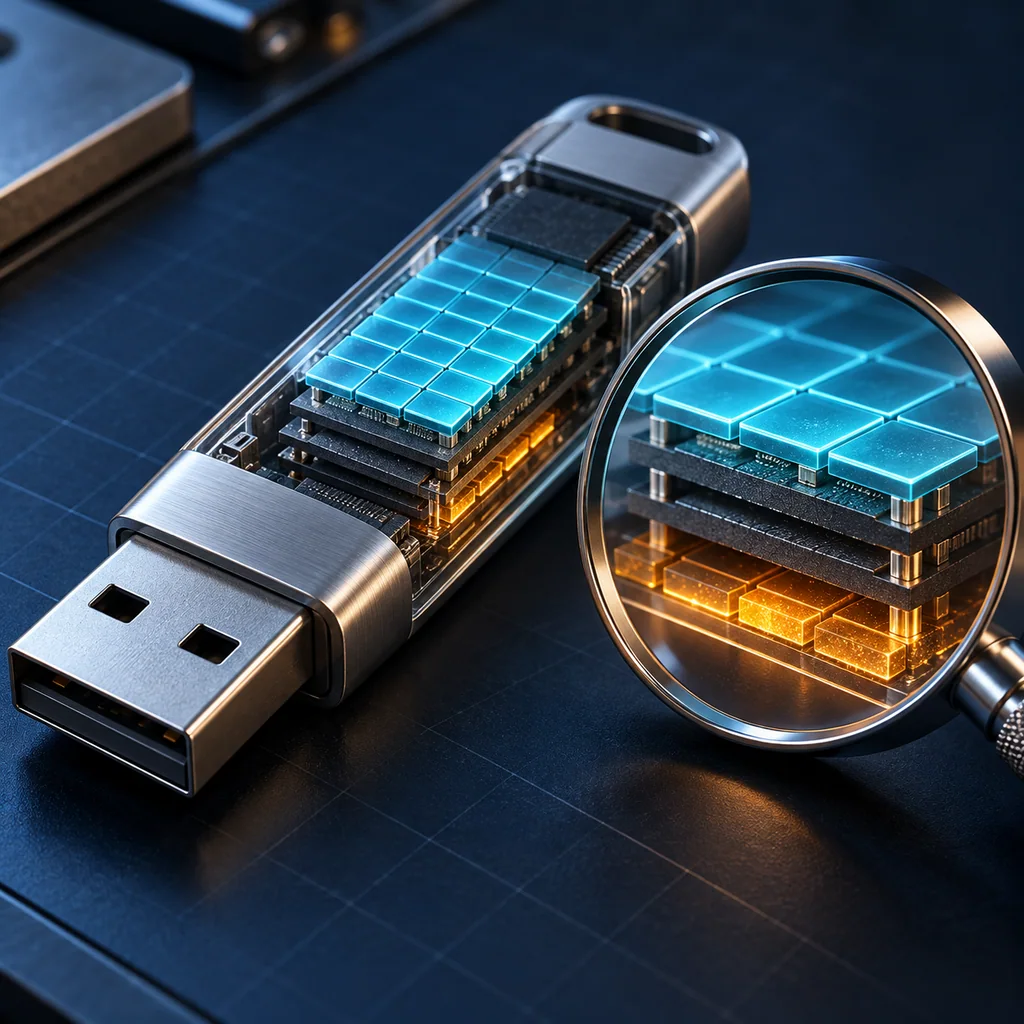
A USB flash controller mediates host addresses and physical flash. Wear leveling and spare cells can prevent ordinary host writes from directly addressing every location that previously stored user data. Repeating a host overwrite does not remove that evidence gap.
The relevant distinction is reachability, not a guessed percentage of recoverable data. A read-back check sees the addresses exposed through the interface. It cannot enumerate the controller's inaccessible physical history.
The flash translation layer guide explains the same logical-versus-physical distinction in more depth. Do not assume identical firmware behavior across thumb drives and SSDs merely because both use flash.
4. Establish support for this exact device
A utility listing the device is evidence of discovery, not proof that its erase function supports it. Check supported models, firmware, connection type, operation and limitations. Record the version of the utility whose support claim you evaluated.
For a bounded example, resolving a DataTraveler Elite G2 filesystem-compatibility or file-size problem with quick format is a usability action. It does not establish a purge result for that product.
Do not infer a sanitization capability from a format button, a USB generation label, an encrypted-product family name or instructions for another model. If the required capability remains unknown, record “not established” rather than “not needed.”
5. Choose a disposition using the required outcome
For a device-specific sanitize operation, obtain evidence for its supported action, coverage, prerequisites, completion and failure states. A generic command intended for a SATA drive is not a universal command for a USB stick.
For an encryption-based procedure, establish encryption history and relevant key-copy handling. Turning on encryption immediately before retirement does not, by itself, establish that earlier plaintext locations were covered. See the cryptographic erase guide before accepting that claim.
If the organization accepts a qualified clear technique for the stated reuse boundary, retain the actual scope and residual-risk decision. Do not relabel it as purge to satisfy a form. If policy requires a stronger outcome that the device cannot substantiate, use a qualified alternative, potentially destruction, under the applicable media-specific requirements. No universal destruction particle size is implied here.
6. Record the evidence and the unanswered questions
An illustrative restricted record can distinguish:
Asset identity: reconciled / unresolved
Required method and release destination: recorded
Operation and exact target range: recorded
Device support and tool version: substantiated / unknown
Completion and errors: attached
Physical-coverage limitations: explicit
Disposition and approving reviewer: recorded
This is a review template, not output from a tested USB drive. Its purpose is to stop “formatted” from becoming the only evidence retained.
If the device fails mid-operation, preserve the last known status and custody. A filesystem that mounts after reconnecting does not prove that the previous operation completed. Do not return a failed device to general stock while its data disposition remains unresolved.
Verification checklist
- The selected target matches the physical asset and intended logical scope.
- The procedure distinguishes formatting from the claimed sanitization technique.
- Exact device and tool support are established rather than inferred.
- Completion status and errors belong to the current job.
- Any read checks are described only for their accessible population.
- The reviewer accepts the method for the release destination and data sensitivity.
A recovery utility finding nothing is a bounded test of that utility and interface. It is not a physical flash examination or proof that hidden locations contain no remnants. Do not invent a recovery percentage from a successful scan.
Resale and evidence checklist
Keep asset identity, method, actual operation, scope, tool version, result and release approval linked. For mixed batches, retain per-device outcomes; a successful drive does not qualify the remainder by similarity of casing or advertised capacity.
What not to publish
Do not publish recovered files, volume labels containing customer names, serials, credentials or raw screenshots of sensitive contents. Use redacted process records without exposing the underlying data.
Common mistakes
Treating an empty directory as sanitized; confusing a volume with the whole device; combining quick-format and overwrite options without understanding precedence; borrowing a command from another storage protocol; and treating inaccessible regions as empty all exceed the evidence.
CliDeck workflow fit
A runbook can keep target checks, model-specific prerequisites, evidence capture and exception routing together. No USB support, erase capability, certification or availability of forthcoming wiping software is claimed here.
FAQ
Is quick format a full overwrite?
No. Do not infer an overwrite from a quick-format result. Check the actual operation and options used.
Does writing every visible address prove physical flash coverage?
No. It addresses the host-visible range. Controller-managed locations require a separate coverage argument.
Must every USB stick be destroyed?
The required method, implementation assurance and release policy decide the disposition. Neither automatic destruction nor automatic reuse is justified solely by the USB connector.
Related guides
- NIST and IEEE requirements review
- SSD logical and physical coverage
- Cryptographic erase recovery paths
Verification note: criteria, not a bench result
No USB drive was formatted, overwritten, erased or examined for recoverable data for this article. The help query and record template explain what to check in an authorized workflow. No customer logs, hardware trial or successful physical sanitization is claimed.
Quick checklist
- Identify the device and console connector
- Use the correct console cable or adapter
- Find the correct serial port or COM port
- Start with the expected baud rate and 8N1 settings
- Press Enter to confirm the prompt
- If output is unreadable, check baud rate and line settings
- If the port will not open, check permissions, drivers, and whether another program is holding the port
- Save useful session notes or logs when the work matters
Traditional cable vs CliDeck workflow
A traditional USB serial cable is still the simplest option for quick local work. CliDeck becomes useful when the console session needs browser access, notes, runbooks, sharing, logs, remote hands support, or a portable controller workflow.
Console Server Go can work like a wired USB serial adapter when connected by USB, but it also adds SSH Console on SSH-enabled firmware builds, browser Workspace, live sharing, 24h+ battery operation, OLED status, and magnetic rack mounting.