
Scripts & Automation
Turn repeated CLI work into reusable runbooks and controlled workflows.
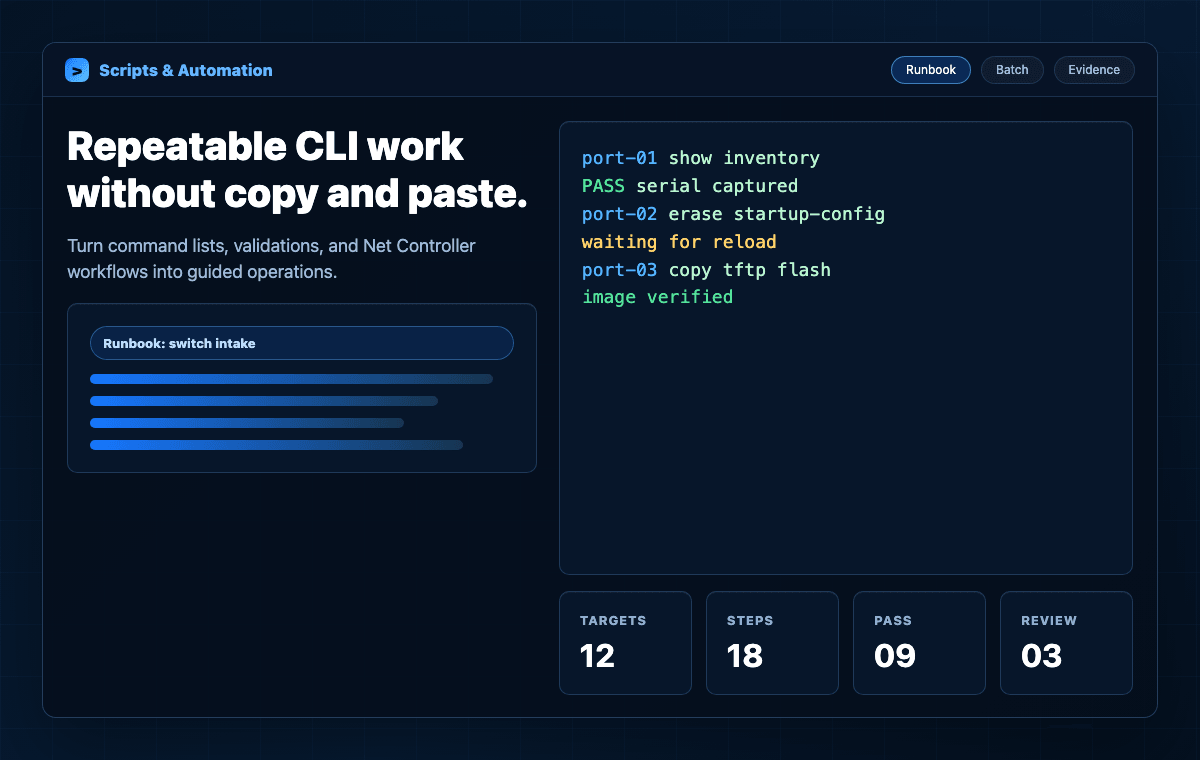
CliDeck helps teams move from copy-and-paste terminal work to repeatable command lists, shared runbooks, supervised execution, and Net Controller batch workflows.
What it does
Core capabilities that connect this software layer to CliDeck hardware, Workspace, and real infrastructure workflows.
Runbooks inside Workspace
Keep reusable command lists next to the terminals they operate on, with simple one-command-per-line workflows.
Multi-terminal execution
Send prepared commands to selected SSH, serial, or controller windows instead of repeating the same work by hand.
Net Controller batch workflows
Use approved scripts with connected devices for intake, reset, recovery, provisioning, validation, and exception handling.
Shared runbook sessions
Share runbooks with authorized users so another engineer can review, guide, or take over the procedure.
Operator-friendly execution
Let operators follow a controlled process while engineers prepare the script logic and handle exceptions.
Evidence-ready results
Tie command output, status, timestamps, asset identifiers, and workflow results to the work that was performed.
A practical automation flow
Scripts and runbooks should stay close to the real terminal session. CliDeck keeps the workflow visible while still allowing manual supervision.
- 01
Write
Create a simple command list, runbook, or project-specific Net Controller workflow.
- 02
Attach
Select the terminal, controller port, device batch, or runbook targets that should receive the workflow.
- 03
Run
Execute the workflow with operator visibility and engineer supervision where needed.
- 04
Handle exceptions
Pause for prompts, reloads, failed checks, or unusual device behavior instead of hiding failures.
- 05
Report
Keep logs, result status, and evidence-style output connected to the device or asset.
Where it fits
CliDeck automation is strongest when the work is repeated often, easy to describe as terminal steps, and important enough to document.
ITAD and refurbishment
Repeat intake, cleaning, reset, recovery, and validation workflows across many network devices.
Labs and staging benches
Run the same baseline commands across switches, routers, firewalls, appliances, and test equipment.
Remote hands support
Give field staff a runbook while a senior engineer watches the live terminal and handles exceptions.
Automation depth depends on the target device, console state, management access, firmware behavior, and customer-approved workflow design.
Bring this workflow into CliDeck.
CliDeck helps teams move from copy-and-paste terminal work to repeatable command lists, shared runbooks, supervised execution, and Net Controller batch workflows.