
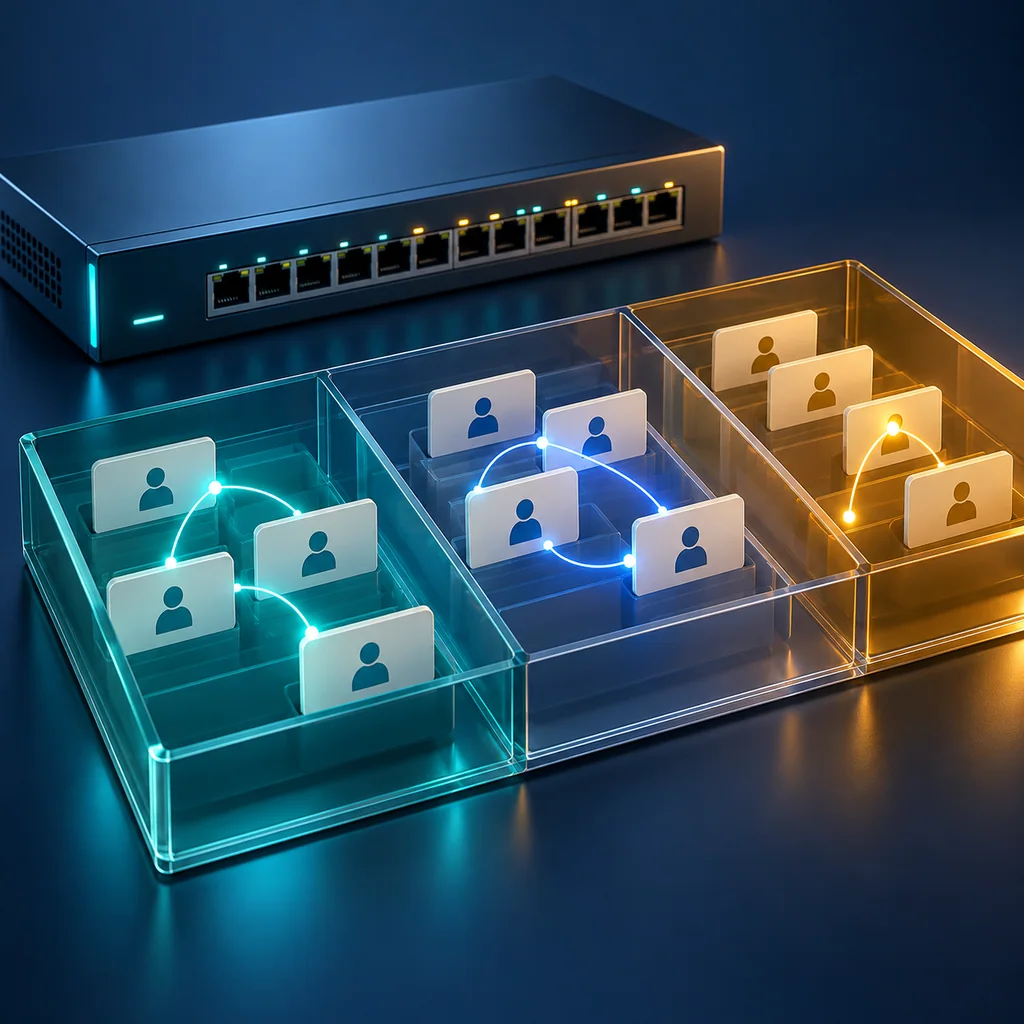
Junos MAC Tables: Preserve VLAN, Flags and Learning Context
Short answer
When collecting a Junos Ethernet-switching table, preserve the routing instance, VLAN, MAC address, learning flags or type, and associated interface together. A MAC without that context is an incomplete handoff. Do not translate the table into an ARP mapping or treat one learned address as proof that a service is reachable.
This workflow helps a remote operator answer “what does this switch currently report about this MAC?” while leaving cabling, endpoint identity and service acceptance as separate evidence requirements.
Scope and prerequisites
Use this sequence on supported EX or QFX Junos OS switching platforms. Confirm the exact device, release and Enhanced Layer 2 Software (ELS) support first. Juniper documents different optional selectors and output formats for ELS and non-ELS products. MX bridge-table workflows are outside this sequence; do not assume this command applies unchanged there.
Use an authorized operational CLI session with view permission. Prepare the expected VLAN or routing instance and the interface from the work request. If the request includes a MAC address, keep its source and collection date in the ticket. Asset records can become stale after an endpoint or adapter replacement.
Start a CliDeck workspace capture with device identity, installed release, time and timezone. Treat MAC addresses and topology as private operational information when sharing the transcript.
Step 1: collect the table with its headings
show ethernet-switching table
Preserve the full output, including routing-instance and VLAN headings, legends, flags and interface columns. For a large table, confirm that the capture completed before reviewing it. A truncated transcript is not a complete inventory; record any collection limit explicitly.
Do not begin with a text filter that hides the section containing the address. The same address string can appear in different contexts. Identify the requested instance and VLAN before interpreting a row, and keep multiple matching rows separate.
Step 2: narrow only after confirming the interface
For a known logical switching interface, the documented interface selector can reduce the collection scope:
show ethernet-switching table interface ge-0/0/1.0
The interface is illustrative; substitute the actual logical interface supported by your device. Preserve the selector in the transcript so a reviewer knows the result was limited. An empty filtered view says nothing about other interfaces or an unintended VLAN context.
If the command is rejected, check the installed release, interface name and ELS branch. Do not cycle through clearing or configuration commands in search of a cleaner result. Return the exact response and the applicability question to the platform owner.
Step 3: read the correct legend
ELS output uses MAC flags; the reference distinguishes static, dynamic, local and remote learning properties. Non-ELS output uses a Type field with entries such as static, learn and persistent. Preserve the actual legend instead of applying one platform's shorthand to another.
Juniper marks the ELS Age field unsupported. Do not use its displayed value as a freshness timer. The non-ELS reference describes Age as time remaining before removal. Keep the branch and field meaning with the snapshot; an age value by itself cannot be compared across these formats.
For the ticket, use one record per instance/VLAN/MAC/interface combination. Add the raw flags or type and the capture timestamp. Keep an advertised or remote learning location distinct from a locally attached endpoint. Do not turn a remote entry into a physical rack-port instruction.
Step 4: handle missing or conflicting entries
If the requested MAC is absent, first check the transcript completeness, selector and expected context. Record absence within that scope. Request current endpoint and path evidence from the owner before concluding that the device is disconnected or faulty.
If an address appears on an unexpected interface or with unexpected properties, retain the snapshot and escalate the discrepancy. Collect another timestamped view if the owner needs a comparison. This runbook does not clear the table or generate traffic, so it preserves the original observation for investigation.
For a broader handoff, combine this record with the Junos interface state baseline, keeping each collection's purpose and timestamp explicit. A switching entry, an interface state and a service test answer different questions.
Verification note: acceptance criteria
The reviewer should be able to reproduce the command scope, find the target context, interpret the actual output legend and distinguish an observed entry from missing evidence. Every extracted row should retain its VLAN or instance, interface and timestamp. Unsupported fields should not become invented measurements.
Closing a connectivity issue requires the additional endpoint and service checks defined by the owner. This article provides documentation-based collection criteria; it does not claim a physical switch test, observed customer traffic or successful remediation.
Who this is for
This guide is for operations teams, incident responders, network engineers, and system administrators who need to prepare, run, verify, and document operational terminal work on approved network devices inside a planned change or lab scope.
When to use this
Use this guide when:
- Several commands or checks must be repeated safely.
- Another engineer, customer, onsite technician, or vendor may need context.
- The work should produce notes, logs, verification, or a clear handoff.
When not to use this
Do not use this guide when:
- You do not own or have authorization to work on the device.
- The device is outside your approved change, recovery, or processing scope.
- The task may expose customer data, secrets, licenses, or credentials that you are not allowed to view or store.
- The work requires vendor-specific approval, legal approval, or a customer-specific procedure that is not covered here.
Practical runbook format
A runbook does not need to be a complex script. For many operations, it can be a plain command list with notes, expected output, stop conditions, verification steps, and rollback instructions.
What to include
- Purpose
- When to use it
- When not to use it
- Target system or device
- Access path
- Read-only checks
- Change steps
- Expected output
- Stop conditions
- Rollback steps
- Verification steps
- Handoff notes
- Final summary format
Most common default
Most network console ports use 9600 8N1, but many modern switches, appliances, and server-management interfaces use 115200. Some devices use other speeds such as 38400, 19200, 57600, or 2400.
Notable exceptions
Examples:
- FortiSwitch often uses 115200.
- HPE Aruba AOS-CX often uses 115200.
- Dell OS10 often uses 115200.
- MikroTik RouterOS commonly uses 115200.
- TP-Link JetStream examples may use 38400.
- F5 BIG-IP may use 19200.
- Some UPS serial protocols may use 2400.
How to use this table
Use the table as a starting point, then verify the setting against the device label, approved device procedure, site runbook, or known-good console output. If the terminal shows unreadable characters, test the likely baud rates before assuming the cable or port is broken.
Verify against the device-specific procedure
Do not treat a reference table as a substitute for the approved device-specific procedure, site policy, or a verified device-specific runbook when the operation is risky.
How CliDeck helps
CliDeck helps teams keep console settings, notes, runbooks, and terminal sessions organized. Console Server Go can show the current UART speed on its built-in screen. Net Controller can help teams process multiple devices with standardized workflows where configured.
Workflow
- Define the purpose, target device, access path, and approved scope.
- Run read-only checks first and record the expected healthy state.
- Execute commands from the runbook or handoff plan while watching for stop conditions.
- Verify the final state with independent checks.
- Summarize commands run, outputs reviewed, exceptions, and handoff notes.
Verification checklist
- The target device or system is correct.
- Read-only checks were captured before the work.
- Stop conditions and rollback notes were available before changes.
- Final verification checks match the expected result.
- Notes, logs, and handoff summary are stored where the team can find them.
Common mistakes
- Starting commands before confirming the target device and scope.
- Skipping read-only baseline checks.
- Copying commands without expected output, stop conditions, or rollback notes.
- Closing the work without a final verification summary.
CliDeck workflow fit
CliDeck Workspace is designed for this kind of operational workflow. Teams can keep terminals, notes, runbooks, logs, and shared sessions in one browser workspace instead of spreading work across terminal windows, chat messages, screenshots, and separate documents.
CliDeck runbooks can be plain command lists, one command per line. Operators can send commands with one click or use auto-run behavior that waits for the prompt before sending the next line where configured.
FAQ
Does a runbook need to be code?
No. A useful runbook can be a plain list of commands, checks, notes, expected output, stop conditions, and verification steps.
Why use a browser workspace for terminal work?
A browser workspace can keep terminals, notes, runbooks, logs, and shared sessions together, which helps during incidents, handoffs, maintenance windows, and remote support.
Can shared terminal sessions be safer than screen sharing?
Yes, when implemented with clear view/type permissions. The helper can see the relevant terminal context without taking over the operator’s entire desktop.
Can CliDeck help with this workflow?
Yes. CliDeck Workspace helps organize terminals, runbooks, notes, logs, and shared sessions. Console Server Go is useful when the workflow starts at a rack-side console port.
Related guides
- Cisco Catalyst MAC Tables: Trace a VLAN Without Guessing the Endpoint - Inspect Catalyst MAC entries by VLAN and port, preserve entry types and aging context, and avoid confusing a learned path with endpoint identity.
- Linux Console Capture Storage: Check Blocks and Inodes - Check the actual Linux console capture filesystem for available blocks and inodes, and keep directory usage separate from capture completion.
- Console Capture Times: UTC Without False Precision - Record console capture times in UTC with the clock source and uncertainty; keep device events separate and avoid unsupported precise ordering.
- Linux Serial Settings: Inspect stty Without Guessing the Console Profile - Inspect GNU stty settings for an identified serial adapter, compare framing and flow control, and account for device-open effects and session ownership.
- Linux Serial Adapter Identity: by-id vs by-path Before Reconnecting - Compare Linux USB serial by-id and by-path links, inspect udev properties, and resolve the intended adapter before reconnecting a console.