
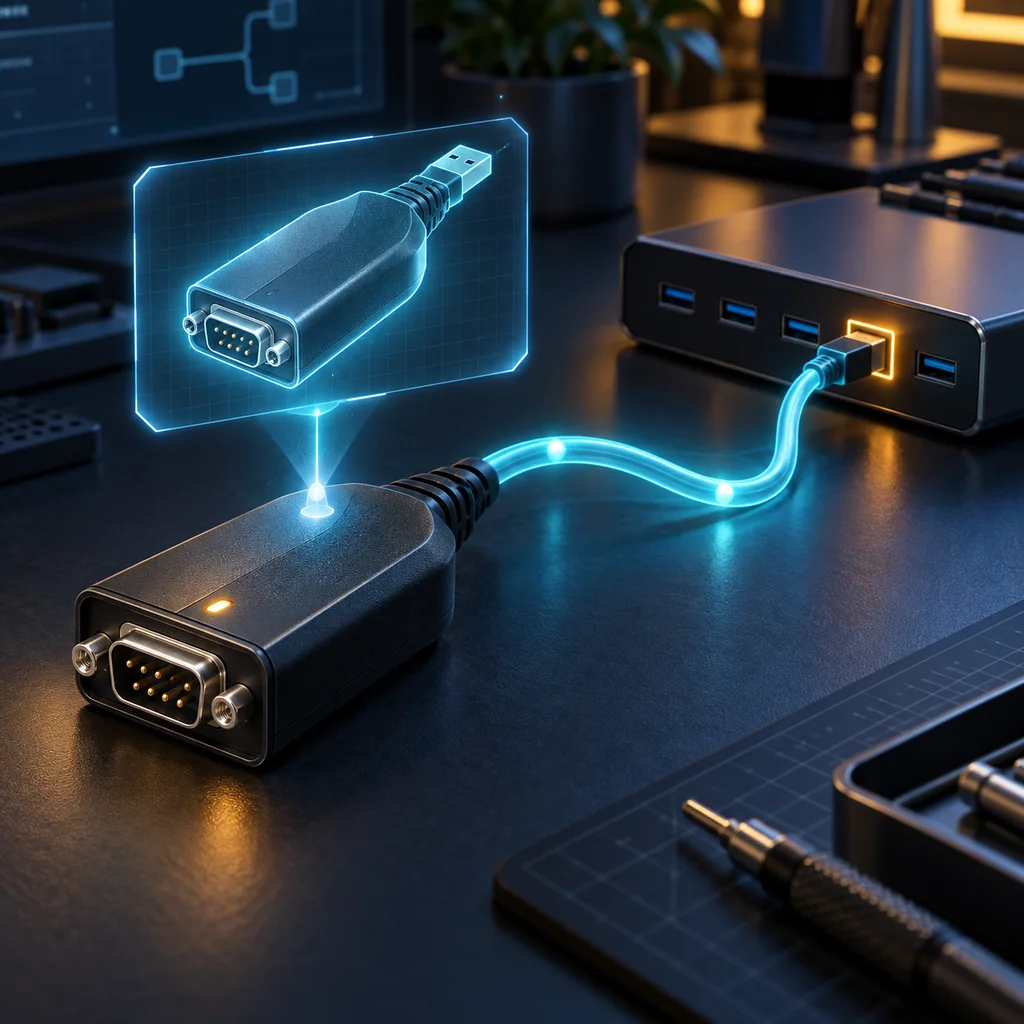
Linux Serial Adapter Identity: by-id vs by-path Before Reconnecting
Short answer
A Linux ttyUSB number is an enumeration result, not a durable promise about which appliance is attached. A by-id link derives from reported device identity properties; a by-path link derives from the USB connection topology. Inspect both, resolve the chosen link to its current device node and confirm the physical adapter-to-appliance mapping before reconnecting a console.
The commands below are read-only workstation checks. The scope is Ubuntu 24.04 LTS tooling and the upstream systemd 255 serial-link rules. Distribution overrides, USB hardware and containers can change what links are available. Apply the procedure only to authorized console connections.
Inventory the existing links
On the workstation that owns the USB device, inspect both directories:
ls -l /dev/serial/by-id
ls -l /dev/serial/by-path
A missing directory can simply mean no matching links were created. It is not proof of a driver failure. Keep that result and inspect the actual device node if one exists.
Do not select the first link returned by a wildcard. Two attached adapters, or a multiport adapter, can make that choice ambiguous. Copy the exact candidate name into the private session record.
Inspect the properties behind the name
Replace /dev/ttyUSB0 with the observed node; some USB serial devices appear as ttyACM devices.
udevadm info --query=property --name=/dev/ttyUSB0
udevadm info --query=symlink --name=/dev/ttyUSB0
The property output allows you to compare reported identity and topology information. Record relevant identity, interface and port properties when present, plus the returned symlink names. Avoid treating a vendor or product name as a unique serial number.
The upstream rules build USB serial links from available properties. They can distinguish interfaces and ports, but they cannot invent a trustworthy unique identity for an adapter that reports ambiguous information. A missing identity property can prevent a by-id link from being created.
Choose what should remain stable
| Name type | Useful when | Important limit |
|---|---|---|
| Device node, such as ttyUSB0 | Inspecting the current enumeration | Another connection order can assign a different number |
| by-id link | Tracking a particular adapter's reported identity | Missing or duplicated identifiers weaken that mapping |
| by-path link | Tracking a known USB port and hub chain | Moving the adapter or changing the topology can change the path |
A stable adapter identity still does not identify the network appliance on the adapter's serial end. If someone moves the console cable between appliances, the USB-side name can remain unchanged. Preserve the physical endpoint mapping and an authorized device identity check as separate evidence.
Conversely, a by-path link can continue to describe a workstation connection point even when a different adapter occupies it. Treat identity and topology as complementary observations rather than competing universal answers.
Resolve the selected link before use
Replace the placeholder below with one exact link observed in the inventory:
readlink -e '/dev/serial/by-id/REPLACE_WITH_OBSERVED_NAME'
The -e option requires the complete resolved path to exist. Record the resolved node and compare its udev properties with the adapter you intended to use. A resolution failure leaves the selection unconfirmed; do not fall back automatically to a familiar ttyUSB number.
If two devices report indistinguishable identity values, stop using that identity alone as the selection rule. Use controlled topology and physical labeling to disambiguate, and document the limitation. Do not change udev rules, reload drivers or replug an active console merely to obtain a cleaner name.
A filesystem link also does not grant access permission or prove that another process has released the port. A browser's serial chooser may present device metadata instead of accepting a Linux pathname. Use the chooser's supported selection process and confirm the authorized device identity after connection.
Verification note: criteria for a reconnect check
A reconnect record should contain the chosen link, its current resolved node, the observed identity and topology properties, and the confirmed serial-side appliance endpoint. Before sending operational commands, the operator should match the intended appliance through the approved console identity procedure.
These are workstation and operator acceptance criteria. No unplug/replug experiment or live appliance session is claimed. Missing links, duplicate identity properties, a changed hub path or an unknown far-end connection must remain explicit exceptions.
Use the serial port name guide for platform naming context. If the resolved port is occupied, follow Linux serial port ownership checks before disconnecting a session. Keep the mapping and transcript in the CliDeck workspace.
Who this is for
This guide is for network engineers, field technicians, remote hands, lab engineers, and system administrators who need to connect to, troubleshoot, log, or verify a serial console session on switches, routers, firewalls, appliances, servers, and other devices with console ports.
When to use this
Use this guide when:
- You need direct console access to a switch, router, firewall, appliance, server, or lab device.
- SSH or management-plane access is unavailable, unreliable, or not yet configured.
- You need to troubleshoot a USB serial adapter, COM port, baud rate, or terminal session.
When not to use this
Do not use this guide when:
- Do not use this guide as a substitute for vendor documentation, site policy, or a verified device-specific runbook when the operation is risky.
- Do not continue if the console output suggests you are connected to the wrong device.
Quick checklist
- Identify the device and console connector
- Use the correct console cable or adapter
- Find the correct serial port or COM port
- Start with the expected baud rate and 8N1 settings
- Press Enter to confirm the prompt
- If output is unreadable, check baud rate and line settings
- If the port will not open, check permissions, drivers, and whether another program is holding the port
- Save useful session notes or logs when the work matters
Traditional cable vs CliDeck workflow
A traditional USB serial cable is still the simplest option for quick local work. CliDeck becomes useful when the console session needs browser access, notes, runbooks, sharing, logs, remote hands support, or a portable controller workflow.
Console Server Go can work like a wired USB serial adapter when connected by USB, but it also adds SSH Console on SSH-enabled firmware builds, browser Workspace, live sharing, 24h+ battery operation, OLED status, and magnetic rack mounting.
Practical runbook format
A runbook does not need to be a complex script. For many operations, it can be a plain command list with notes, expected output, stop conditions, verification steps, and rollback instructions.
What to include
- Purpose
- When to use it
- When not to use it
- Target system or device
- Access path
- Read-only checks
- Change steps
- Expected output
- Stop conditions
- Rollback steps
- Verification steps
- Handoff notes
- Final summary format
Quick decision table
| Situation | Better fit | Why |
|---|---|---|
| One authorized engineer needs a quick low-risk task | Traditional local workflow | It keeps the workflow simple when no shared context, batch work, or durable evidence is required. |
| The work needs verification, handoff, or documentation | CliDeck or browser workspace workflow | It creates a clearer path for notes, logs, stop conditions, and final checks. |
| Multiple people or devices are involved | CliDeck or browser workspace workflow | Structured workflows reduce ambiguity and make it easier to prove what happened. |
When option A is enough
The simpler option is usually enough when one authorized engineer is doing a low-risk task locally, the device state is known, and the work does not require shared context, batch processing, or durable evidence.
When option B is better
The more structured option is better when the work needs repeatability, collaboration, verification, logging, asset linkage, or a safer handoff between people or teams.
Workflow
- Identify the device, connector, cable, adapter, and host operating system.
- Find the correct serial port or COM port and confirm permissions or drivers.
- Open the session with the expected baud rate and line settings, usually 8N1 unless documented otherwise.
- Press Enter and verify the prompt before running commands.
- Save notes or logs when the session supports a change, recovery, handoff, or evidence workflow.
Verification checklist
- The detected serial port or COM port matches the connected adapter.
- Baud rate, data bits, parity, stop bits, and flow control match the device expectation.
- The terminal shows a readable prompt after pressing Enter.
- No other terminal application is holding the port.
- Useful notes or logs are saved when the work matters.
Common mistakes
- Using the wrong cable or adapter for the console connector.
- Opening the wrong COM port or
/dev/cu.*device. - Assuming unreadable output means hardware failure before checking baud rate and 8N1 settings.
- Leaving another terminal application attached to the port.
CliDeck workflow fit
A traditional USB serial cable is still the simplest option for quick local work. CliDeck becomes useful when the console session needs browser access, notes, runbooks, sharing, logs, remote hands support, or a portable controller workflow.
Console Server Go can work like a wired USB serial adapter when connected by USB, but it also adds SSH Console on SSH-enabled firmware builds, browser Workspace, live sharing, 24h+ battery operation, OLED status, and magnetic rack mounting.
FAQ
Is a USB serial cable still enough?
Yes, for simple local work where one engineer is sitting next to one device. CliDeck is more useful when the console session needs sharing, runbooks, browser Workspace, remote hands support, logs, or longer operational context.
What should I check first when serial output looks like garbage?
Check the baud rate, data bits, parity, stop bits, flow control, cable type, and whether the device is actually using the expected console port.
Can CliDeck help with serial console work?
Yes. CliDeck Workspace helps organize terminal sessions, notes, runbooks, and logs. Console Server Go adds portable rack-side access, and Net Controller supports larger batch workflows.
Related guides
- Linux Serial Port Busy: Identify the Owner Before Disconnecting - Identify the process occupying a Linux serial device, release only the intended session, and verify access without killing unrelated processes.
- FortiGate Routing Table Checks: Find the Route Without Claiming Packet Success - Inspect the FortiGate IPv4 routing table in the right VDOM and VRF, preserve route fields, and separate routing state from actual packet success.
- Cisco IOS XE Terminal Pagination: Capture Complete Console Transcripts - Remove IOS XE page pauses for one session, capture complete command output, inspect long lines, and restore the original terminal settings.
- Console Access During a Network Outage: A Practical Recovery Checklist - A practical console recovery checklist for network outages: confirm the device, capture state, use serial access safely, restore management paths, and document changes.
- Safe Copy-Paste Habits for SSH and Serial Console Work - A practical guide to safer copy-paste habits for SSH and serial console sessions: verify the target, read commands first, paste slowly, avoid multi-line mist...