
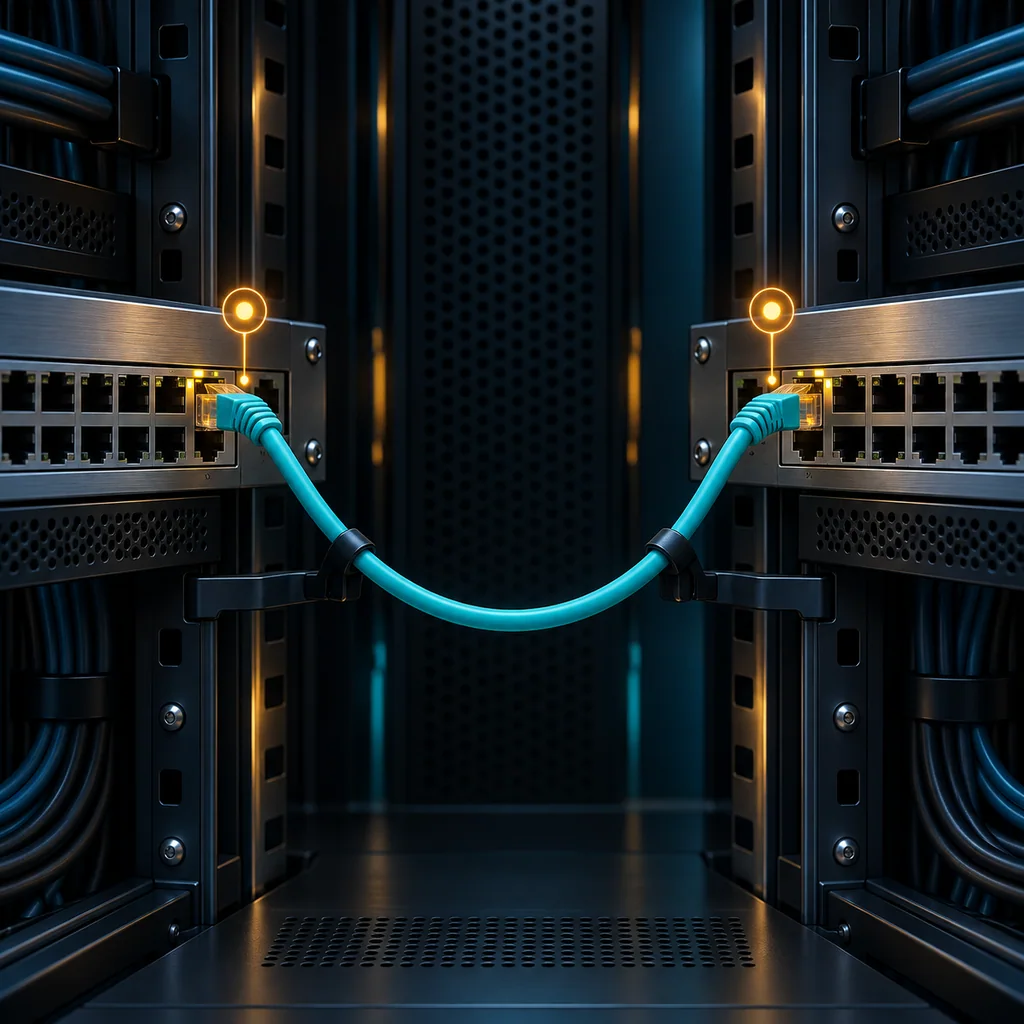
Cisco Catalyst LLDP: Confirm Both Cable Ends Before Remote Hands
Short answer
Use LLDP to collect a local port, a neighbor identity and the neighbor's advertised port before asking remote hands to move a cable. Correlate that record with physical labels and the approved work order. A neighbor entry is discovery evidence; it does not authorize a cable move or authenticate the appliance.
This workflow uses the Catalyst 9300 IOS XE 17.12 command family. Run it only on an owned or customer-authorized switch with an approved read-only session. Other Catalyst platforms and software builds may expose different interface names or fields.
Establish the switch and port
Start with the device identity already recorded in the work order. Match the chassis label through the authorized remote hands contact, then record the software version and port inventory:
show version
show interfaces status
Do not choose a port merely because it has the expected description. Descriptions can survive repatching, and a familiar hostname can belong to a replacement chassis. Record the exact local interface name, the collection time and the physical rack or panel label. Keep serial numbers and operational addresses in the private work record.
The example below uses GigabitEthernet1/0/1. Replace it with the observed interface; a stack member, uplink module or different chassis may require another name.
Check whether discovery is actually available
Inspect the existing LLDP state before interpreting an empty neighbor table:
show lldp
show lldp interface GigabitEthernet1/0/1
Global LLDP state and the selected interface's state are separate pieces of evidence. Capture both. Do not enable LLDP as an incidental diagnostic step: enabling discovery changes the switch and may advertise information outside the intended management boundary.
If LLDP is unavailable or disabled, mark the cable endpoint as unconfirmed and use the authorized physical tracing procedure. An empty table is not evidence that the port is unused.
Build the endpoint record
Collect detailed discovery information for the intended port:
show lldp neighbors GigabitEthernet1/0/1 detail
Use a small endpoint record rather than pasting an unexplained terminal page into the work order:
| Observation | What to preserve |
|---|---|
| Local connection | Exact switch identity and local interface |
| Advertised neighbor | Chassis ID and system name, when provided |
| Advertised far end | Port ID and its identifier type |
| Freshness | Collection time, LLDP state and remaining hold time |
| Physical correlation | Rack, patch panel and appliance port labels |
| Decision | Confirmed match, unresolved mismatch or insufficient evidence |
A port ID may be an interface name or another identifier type; do not silently translate it into a physical socket number. A management address identifies an advertised management endpoint, not the physical cable destination. Missing fields should remain missing in the record.
Reconcile discovery with remote hands
Ask the technician to read the labels at both ends of the intended cable and compare them with the endpoint record. Where intermediate patch panels exist, include those hops in the work order. One successful LLDP observation does not map every panel connection.
Use explicit stop conditions. A different neighbor, an unexpected stack member, multiple plausible labels or an unidentified panel hop means the task needs reconciliation before unplugging anything. Do not turn a mismatch into a best guess.
LLDP entries have a retention period. A recently disconnected neighbor can remain visible until its advertisement expires, and a silent neighbor may never populate the table. Repeating the read-only observation can help assess freshness, but it does not create independent proof of identity. Avoid clearing the LLDP table just to make the display look current; that removes useful context.
Verification note: criteria for an endpoint check
For a Catalyst 9300 using the documented IOS XE 17.12 command family, an acceptable pre-change record contains the exact local port, the advertised far-end port identifier, the collection time and corroborating physical labels. The operator should confirm that the approved task addresses that same connection.
These are acceptance criteria, not results from a tested switch. No device transcript or physical cable inspection is claimed here. A disabled discovery service, stale entry or unresolved identity mismatch leaves the endpoint unconfirmed.
Use the wrong-device prevention guide for the identity checkpoint. If the task also concerns errors, preserve the baseline described in Catalyst interface counter checks. Store the authorized transcript and endpoint checklist in the CliDeck workspace.
Who this is for
This guide is for remote hands teams, senior engineers, data center teams, vendor support, and operations teams who need to share terminal context, coordinate onsite work, or hand off command-line work safely on live terminal sessions, onsite devices, and remote support workflows.
When to use this
Use this guide when:
- Several commands or checks must be repeated safely.
- Another engineer, customer, onsite technician, or vendor may need context.
- The work should produce notes, logs, verification, or a clear handoff.
When not to use this
Do not use this guide when:
- You do not own or have authorization to work on the device.
- The device is outside your approved change, recovery, or processing scope.
- The task may expose customer data, secrets, licenses, or credentials that you are not allowed to view or store.
- The work requires vendor-specific approval, legal approval, or a customer-specific procedure that is not covered here.
Practical runbook format
A runbook does not need to be a complex script. For many operations, it can be a plain command list with notes, expected output, stop conditions, verification steps, and rollback instructions.
What to include
- Purpose
- When to use it
- When not to use it
- Target system or device
- Access path
- Read-only checks
- Change steps
- Expected output
- Stop conditions
- Rollback steps
- Verification steps
- Handoff notes
- Final summary format
Workflow
- Define the purpose, target device, access path, and approved scope.
- Run read-only checks first and record the expected healthy state.
- Execute commands from the runbook or handoff plan while watching for stop conditions.
- Verify the final state with independent checks.
- Summarize commands run, outputs reviewed, exceptions, and handoff notes.
Verification checklist
- The target device or system is correct.
- Read-only checks were captured before the work.
- Stop conditions and rollback notes were available before changes.
- Final verification checks match the expected result.
- Notes, logs, and handoff summary are stored where the team can find them.
Common mistakes
- Starting commands before confirming the target device and scope.
- Skipping read-only baseline checks.
- Copying commands without expected output, stop conditions, or rollback notes.
- Closing the work without a final verification summary.
CliDeck workflow fit
CliDeck Workspace is designed for this kind of operational workflow. Teams can keep terminals, notes, runbooks, logs, and shared sessions in one browser workspace instead of spreading work across terminal windows, chat messages, screenshots, and separate documents.
CliDeck runbooks can be plain command lists, one command per line. Operators can send commands with one click or use auto-run behavior that waits for the prompt before sending the next line where configured.
Shared terminal sessions let another authorized engineer watch the live terminal and, when permitted, type commands without taking over the operator’s entire desktop.
FAQ
Does a runbook need to be code?
No. A useful runbook can be a plain list of commands, checks, notes, expected output, stop conditions, and verification steps.
Why use a browser workspace for terminal work?
A browser workspace can keep terminals, notes, runbooks, logs, and shared sessions together, which helps during incidents, handoffs, maintenance windows, and remote support.
Can shared terminal sessions be safer than screen sharing?
Yes, when implemented with clear view/type permissions. The helper can see the relevant terminal context without taking over the operator’s entire desktop.
Can CliDeck help with this workflow?
Yes. CliDeck Workspace helps organize terminals, runbooks, notes, logs, and shared sessions. Console Server Go is useful when the workflow starts at a rack-side console port.
Related guides
- Cisco Catalyst Interface Errors: Measure the Change, Preserve the Baseline - Compare two Catalyst interface-counter snapshots without clearing the baseline; distinguish new receive errors, congestion, and counter discontinuities.
- Shared Terminal Sessions: How to Collaborate Without Losing Control - A practical guide to shared terminal sessions for SSH and console work: define roles, control input, document commands, prevent mistakes, and hand off safely.
- Command Handoffs: How to Pass Terminal Work to Another Engineer Safely - A practical guide to safe terminal handoffs: document current state, commands already run, pending actions, risks, rollback steps, and next verification befo...
- Junos Configuration Diff: Review the Candidate Before You Commit - Review a Junos candidate diff against the active or rollback baseline, interpret changes, and avoid accidentally confirming a pending rollback timer.
- Junos Rescue Configuration: Save, Review, and Restore a Known Baseline - Save a reviewed Junos rescue baseline, inspect its contents, load it into the candidate, review the diff, and activate it through an approved commit.